
Author
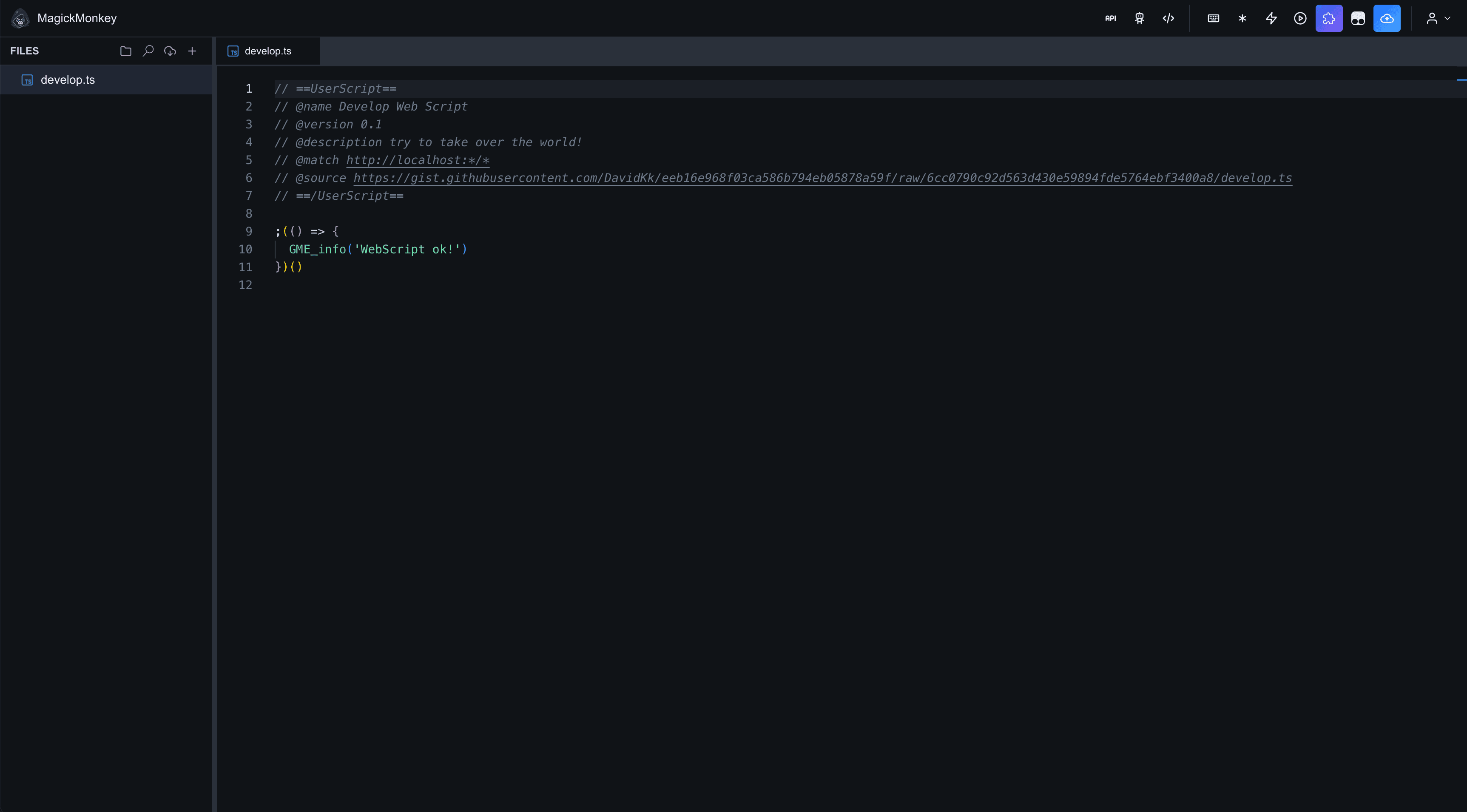
Write userscripts in a full TypeScript editor with runtime typings, local drafts, and one-click publish to your private library.
- Tabbed file tree & CodeMirror
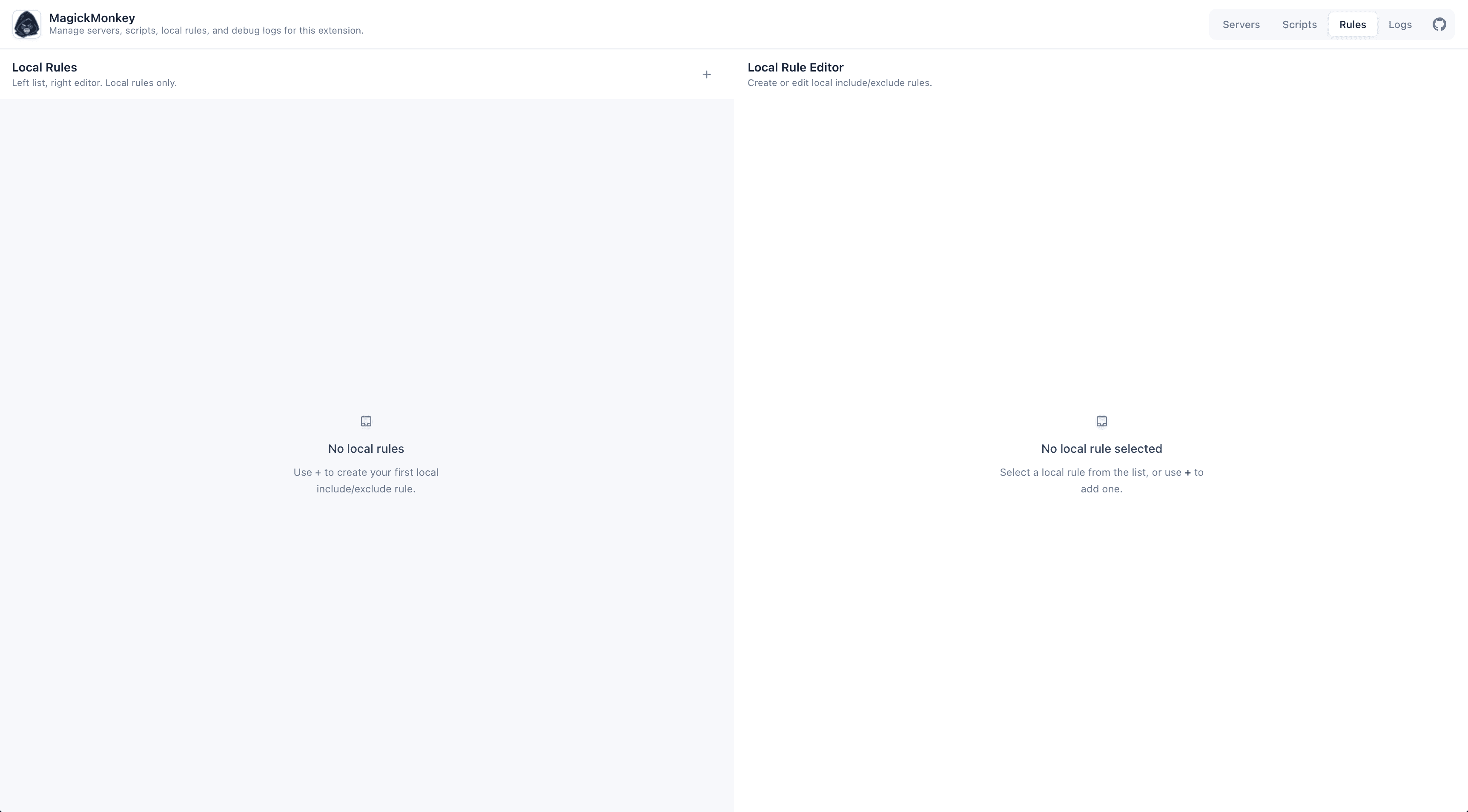
- URL rules panel
- Optional Gemini AI rewrite
- Editor dev mode for live preset testing
Self-hosted userscript workspace
Open-source tooling for a private script library—web editor, Chrome extension shell, Tampermonkey launcher, and AI automation. Deploy your own instance; no shared platform required.
Already deployed this repo? Use Open editor to sign in to your instance.
Self-host
MagickMonkey is open source—you run it. There is no central hosted service: fork or clone, configure env vars from .env.example, and ship to your Vercel project (or any compatible host).
Deploys into your Vercel account · not our infrastructure
One-click creates a deployment under your account—not a shared MagickMonkey cloud.
Admin login, JWT secret, and storage tokens live in your env vars only.
Connect your own script storage backend. You control access, rotation, and data residency.
Required env vars
GIST_IDGIST_TOKENACCESS_USERNAMEACCESS_PASSWORDJWT_SECRETWhat you get
Self-hosted open source—not a multi-tenant SaaS. MCP edits script source only; browser APIs come from the preset at runtime.
Write userscripts in a full TypeScript editor with runtime typings, local drafts, and one-click publish to your private library.
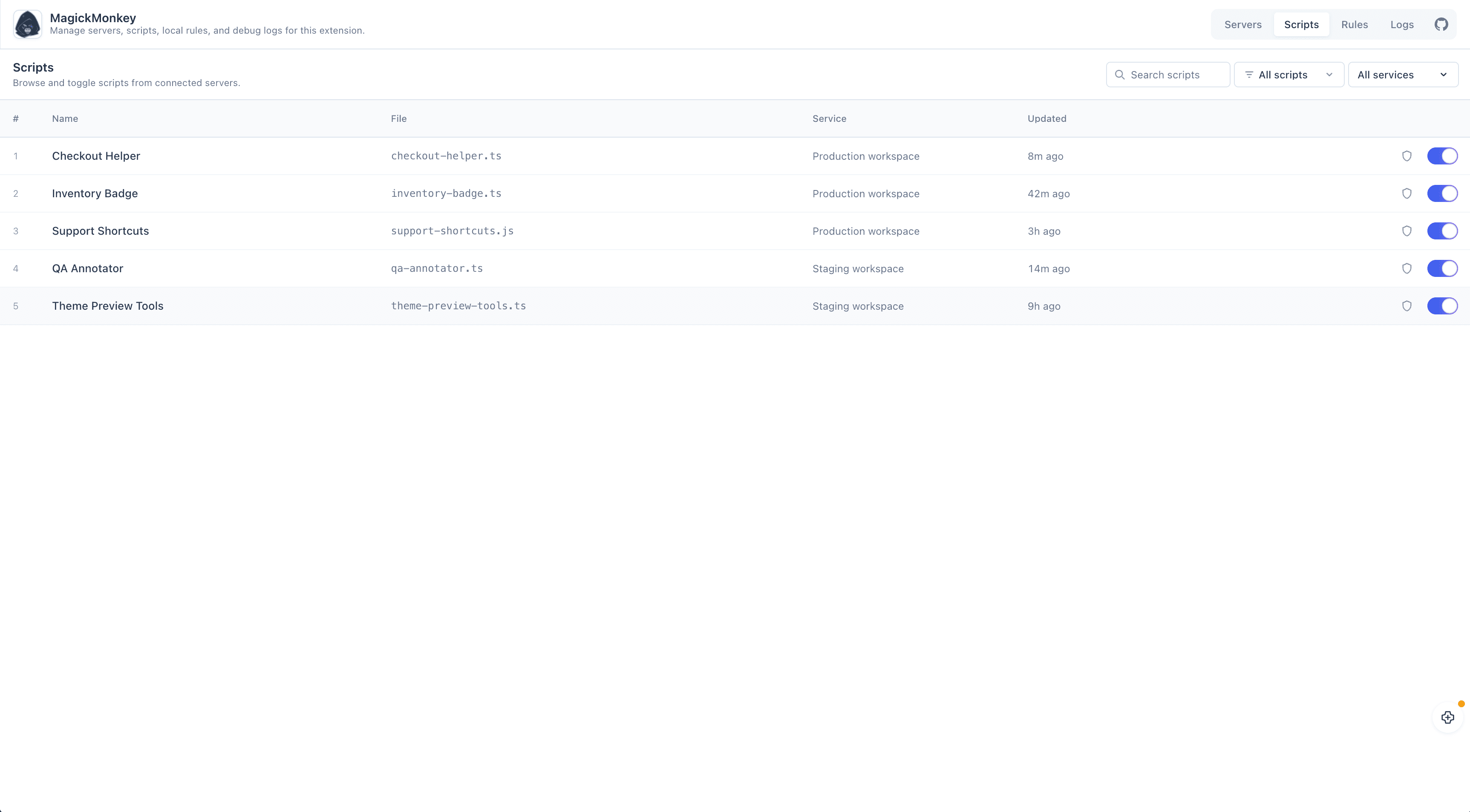
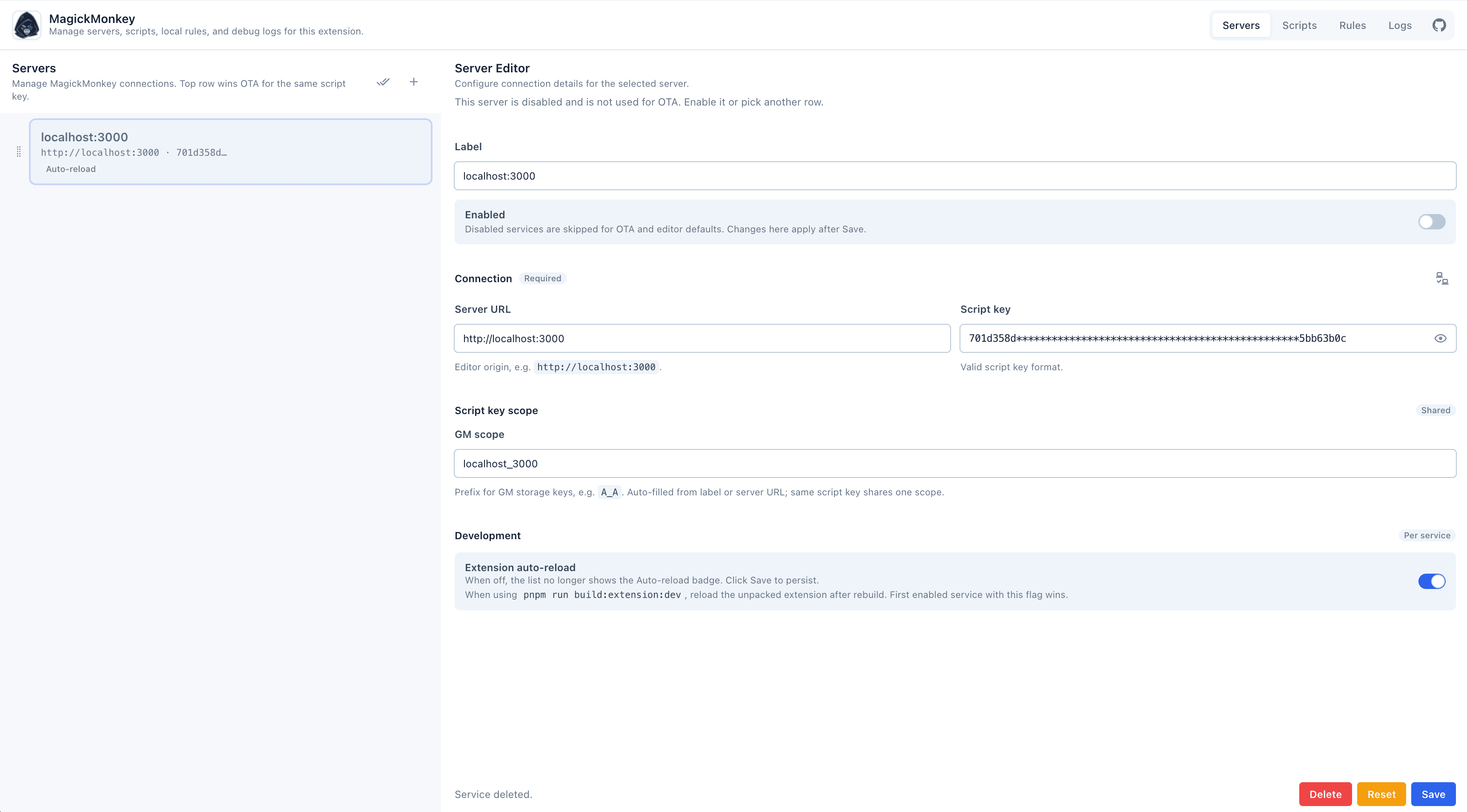
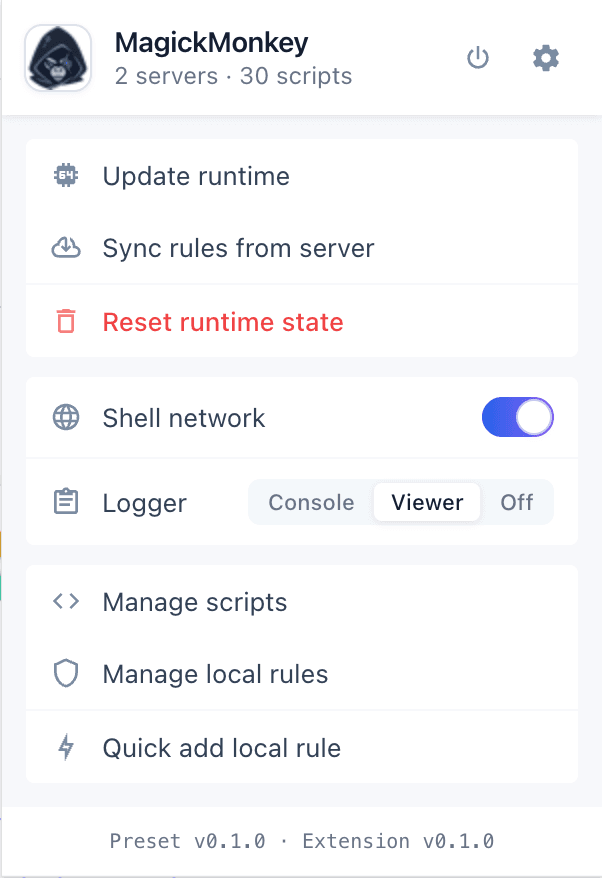
Ship the same script library to Tampermonkey or a native Chrome extension—OTA updates, per-script toggles, and activation rules.
Let Cursor and other agents edit script files remotely via HTTP MCP or REST—without opening the web UI.
Runtime pipeline
After deploying, configure, author, install, and integrate.
Copy `.env.example`, set admin credentials and script storage keys, then redeploy if needed.
Sign in to your instance, add `.ts` / `.js` modules in the editor, and configure URL rules when needed.
Install the Tampermonkey launcher or load the Chrome extension ZIP from your editor.
Optional: connect an MCP client or read the AI integration guide for agent setup.